Type Support
Learn about the wide range of supported data and node types — From symbolic links, executables up to file system permissions.
This is a living document which means it is work in progress, not completed yet and can change at any time while the project is still in development major version zero
0.y.z!
This theme is only compatible for GNU ls and will have no effect with commands from other distributions like BSD (macOS) or Slackware!
dircolors is a utility that sets the LS_COLORS environment variable respected by GNU ls when used with the --color option. It converts the color database file provided by this theme (dir_colors), converts it into the parsable format for the GNU ls command and stores it in the LS_COLOR environment variable.
Other distributions/platforms/operating systems like macOS are based on BSD and using a different implementation of the ls command that uses a different format for color definitions stored in the LSCOLOR environment variable (no underscore).
The dircolors utility only supports GNU ls and therefore this theme is also only compatible with the GNU ls command. It has no effect when used with different implementations.
Please read the manual pages of the dircolors(1) utility and it's configuration file dir_colors(5) for more information about supported terminal codes/sequences and platforms.
Nord dircolors provides highlighting for a lot of different data types, their attributes and file system permissions. This document contains a general overview of these types including descriptions about their applied Nord styles.
Global Defaults
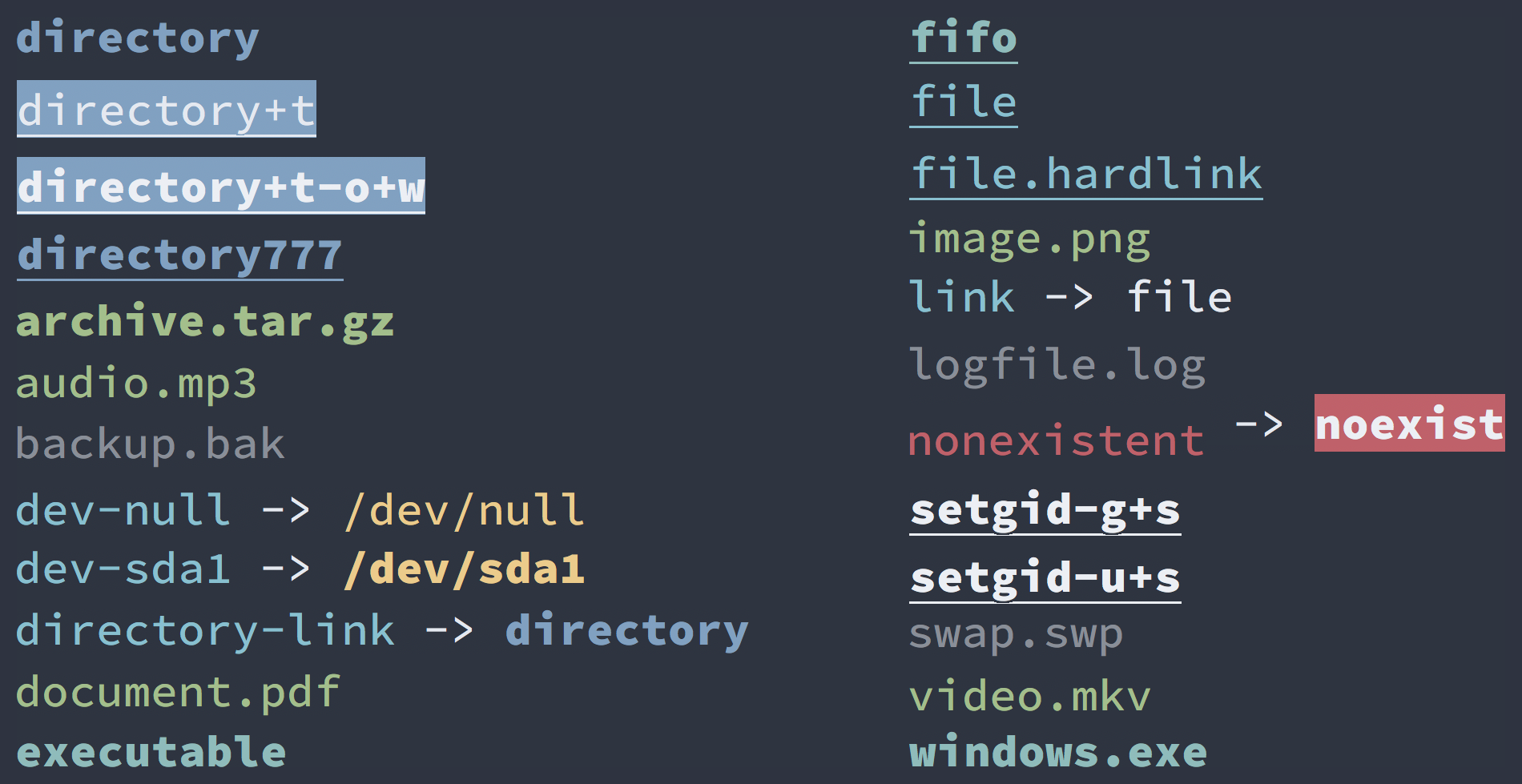
The following styles are applied globally to essential data and node types as well as their file system permissions.
Permissions
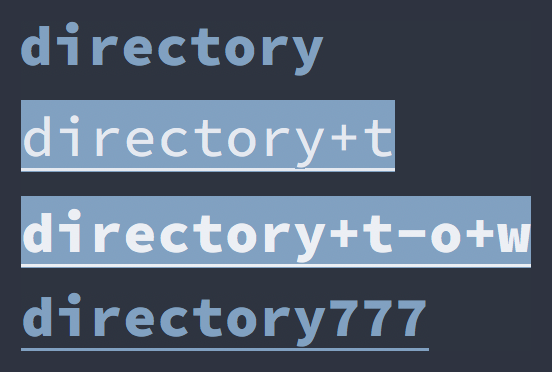
The styles are applied for files and directories with different file system permissions.
Directories using nord9 as foreground color and a bold font style.
If the t permission flag is set the background color is nord9 instead while nord4 is used as foreground color using the underline font style. Also if the o+w permission flags are set too the font uses the bold style instead.
For directories with the 777 permission value both the bold and underline font styles are used.
Links
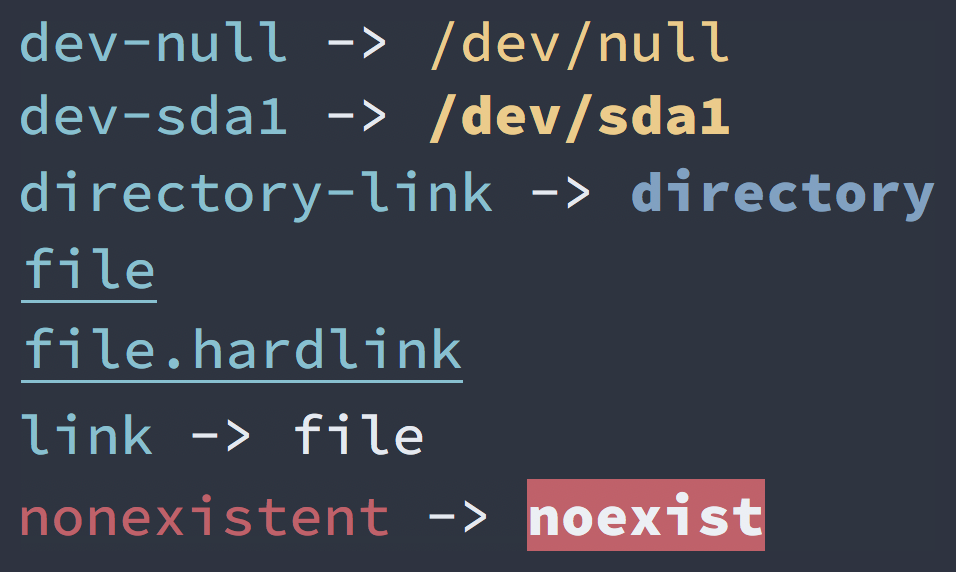
The styles are applied for symbolic and hard links using nord8 as foreground color. Hard links additionally have a underline font style.
The foreground color of invalid symbolic links are colored by nord11 while non-existent link targets using nord11 as background color and nord4 foreground with bold font styles.
Executables
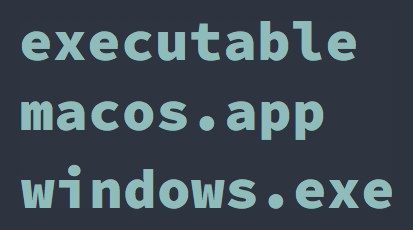
The styles are applied for executables using nord7 as foreground color with a bold font style.
Blocks and Sockets
The styles are applied for Unix file types like device files and domain sockets.
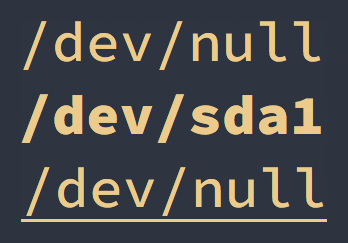
Character device files are using nord13 as foreground while block devices additionally having the bold font style. Sockets are also colored by nord13 with a the underline font style.
Capabilities
The styles are applied for files with different capabilities.
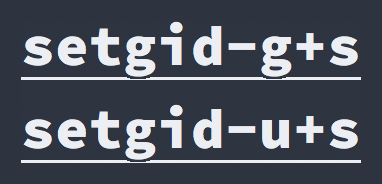
The GID g+s and UID u+s capability flags are colored by nord4 with the bold and underline font styles.
Named Pipe (FIFO)
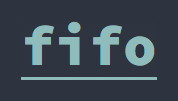
The styles are applied for named pipe, also known as FIFO, using nord7 as foreground color with the underline font style.
Extension Pattern
The following styles are for files with specific file extensions.
Media
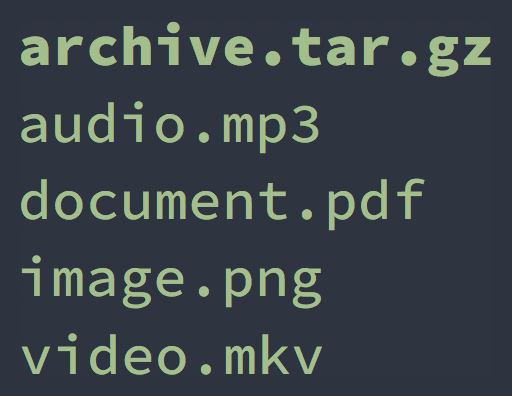
Extension for media based types like images, audio, videos and documents are colored by nord14 while archive- and compression types additionally using the bold font style.
Ignore Pattern
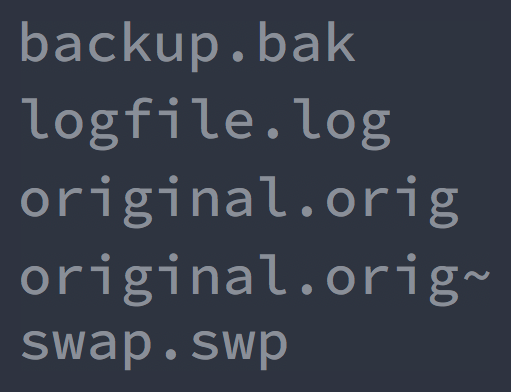
Extensions for common VCS ignore pattern using the dim terminal effect applied to nord4.